
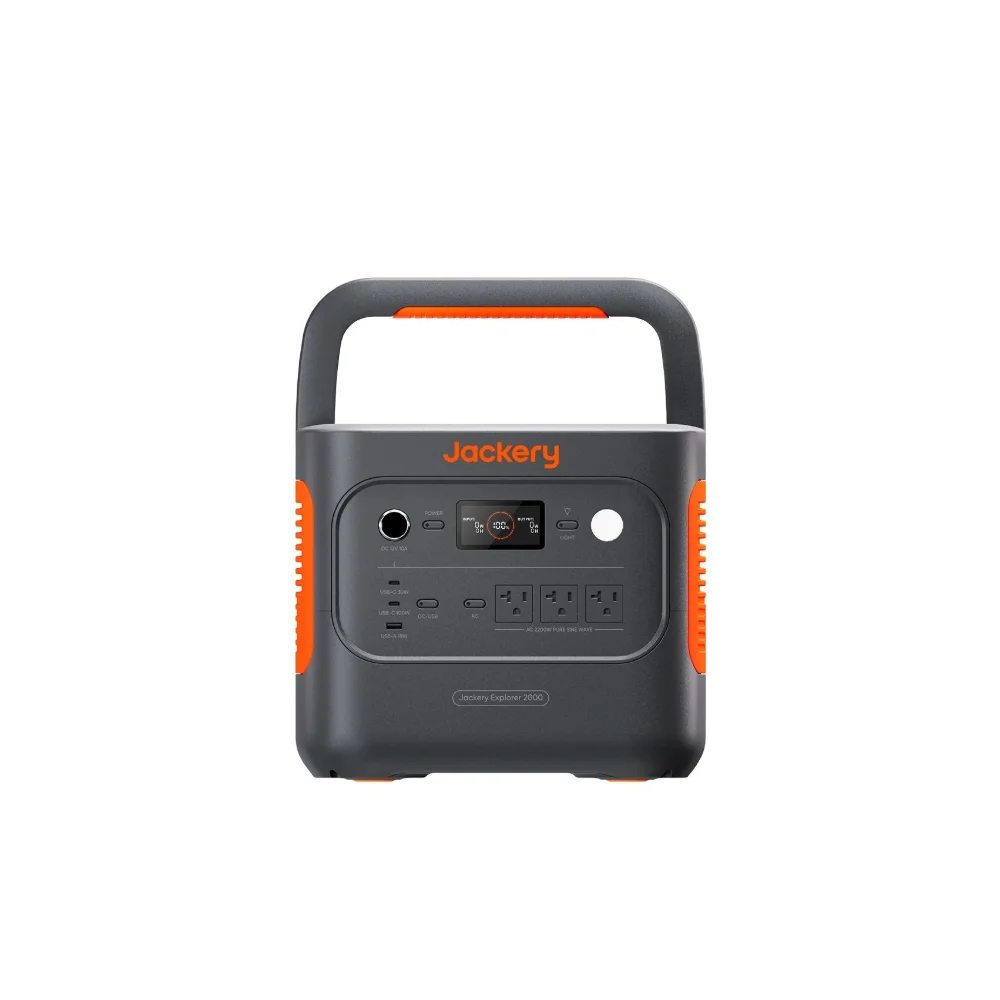

A power outage that kills your work laptop is annoying. One that kills a gaming session mid-raid or cuts your home theater setup right before the movie’s climax is a different kind of annoying — and unlike refrigerators or medical equipment, entertainment gear has genuinely wide power draw ranges depending on what you actually own, which makes generic sizing advice less useful than knowing your specific setup’s real numbers.
Gaming PC power draw: it’s not what the PSU rating suggests
Your power supply’s rated wattage (500W, 750W, 1000W) is a ceiling, not what your system actually draws during normal use. Real measured numbers look quite different: a typical gaming PC pulls just 60-100W at idle, and 300-450W under heavy gaming load for a mainstream build. Enthusiast rigs with high-end components can push past 600W under stress testing, but that’s a peak scenario, not typical gameplay. Breaking it down by component: a high-end GPU alone can draw 200-320W under load, a high-end CPU 80-150W, with motherboard, RAM, drives, and fans adding another 35-60W combined. For sizing purposes, plan around your system’s actual gaming-load wattage (350-450W for most builds), not the PSU’s maximum rating.
TVs, consoles, and the rest of the setup
| Device | Typical power draw |
|---|---|
| LED TV | 50-150W (larger/older screens toward the high end) |
| Gaming console | 100-250W |
| Wi-Fi router/modem | 10-30W |
| Gaming PC (mainstream, under load) | 300-450W |
Add these up for your actual setup rather than guessing: a console plus TV plus router is a genuinely modest combined load (roughly 160-430W), while a full gaming PC setup with a monitor, speakers, and router pushes meaningfully higher.
Runtime math for real setups
Using the standard runtime formula (battery Wh × 0.85-0.90 ÷ appliance watts), a few concrete examples: a 500Wh power station running a 100W TV lasts roughly 4-5 hours — enough for a movie night backup, not an extended outage. A 1,000Wh unit running a 60W setup (router plus a laptop, say) stretches to 14-15 hours. For a full gaming PC session at 350-450W, even a 1,000Wh unit gives you only about 2-2.5 hours — a real constraint worth knowing before assuming “1,000Wh” automatically means “plenty” for gaming specifically.
Why UPS-style switchover matters here more than for a fridge
Entertainment and computing gear is uniquely sensitive to power interruption in a way a refrigerator isn’t — a brief gap during a power station’s switchover from wall power to battery can crash a PC, corrupt an in-progress save, or force a console reboot, even if the outage itself only lasted a fraction of a second. If backing up active gaming or computer use (rather than just keeping devices charged for later) is your actual goal, check specifically for a fast UPS switchover time on the power station’s spec sheet — sub-20 millisecond switchover is common on units designed with this use case in mind, and it’s the difference between an outage you barely notice mid-game and one that costs you unsaved progress.
Sizing recommendations by setup
For TV and streaming device backup alone: 500-800Wh comfortably covers several hours. For a console plus TV plus router combo: 800-1,200Wh gives a reasonable evening’s buffer. For an active gaming PC setup where you want real continuous runtime rather than just a graceful shutdown window: 2,000Wh or more, paired with confirmed pure sine wave output and fast UPS switchover, since PC power supplies are sensitive to power quality in a way simpler electronics generally aren’t.
FAQ
Will a modified sine wave power station damage my gaming PC?
Most PC power supplies with active PFC (power factor correction) don’t play well with modified sine wave power and can behave unpredictably or trigger protection shutdowns — pure sine wave output is the safer standard for any PC, not just a nice-to-have.
Can I run my gaming PC and TV from the same power station simultaneously?
Yes, as long as your power station’s continuous output rating comfortably exceeds their combined draw — add your PC’s gaming-load wattage to your TV and any other connected device’s wattage, and check against the unit’s rated continuous output, not just its surge rating.
Is it worth getting a dedicated small UPS instead of a power station for this?
A dedicated UPS is often cheaper and has faster, more standardized switchover specs for pure computer backup, but a power station adds genuine versatility (camping, other outages, larger capacity) that a single-purpose UPS doesn’t offer — the right choice depends on whether backup power is your only use case.
Does the power station’s own fan noise matter for gaming or movie nights?
It can — some units run active cooling fans under higher loads that are audible during quiet moments in a movie or game. If ambient noise matters for your setup, check reviews for fan noise specifically at your expected load level.
Bottom line
Entertainment gear spans a huge wattage range — a TV alone needs a fraction of what a gaming PC under load draws. Size around your actual setup’s combined wattage, not a generic “TV backup” assumption, and if uninterrupted active use (not just eventual reconnection) matters, prioritize fast UPS switchover and pure sine wave output over raw capacity alone.
This post may include affiliate links — if you buy through them, we may earn a small commission at no extra cost to you. It doesn’t change what we cover or how we rank anything.
Sources externes citées
- Anker SOLIX — What Appliances Can a Portable Power Station Run?
- Gaming Review Guide — How Many Watts Does a Gaming PC Draw?