

Two chargers can both say “USB-C PD” on the box and deliver wildly different amounts of power, and the number that actually matters — 100W, 140W, or something else entirely — is usually printed in fine text you have to hunt for. Buy the wrong one for a power-hungry laptop and you’ll get a “charging slowly” warning while you work, or a battery that quietly drains even while plugged in. Buy more than you need for a phone or tablet and you’ve spent extra money on capability that never gets used. USB-C Power Delivery is a genuinely useful standard once you understand the tiers it’s built around, and knowing which one your device actually needs takes the guesswork out of buying a charger, a cable, or a power station.
What USB-C Power Delivery actually is
USB Power Delivery (USB PD) is a negotiation protocol, not a fixed voltage. When you plug a device into a PD charger, the two sides talk to each other and agree on a voltage and current that fits both what the charger can supply and what the device is asking for — which is why the same charger can deliver 5 watts to a set of earbuds and 65 watts to a laptop depending on what’s plugged in. The spec has gone through several revisions, and the ceiling has moved up considerably: PD 2.0 topped out at 100W, and PD 3.1, introduced in 2021, raised that ceiling to 240W by adding what’s called Extended Power Range.
Standard Power Range vs. Extended Power Range
- Standard Power Range (SPR). Covers up to 100W, using fixed voltage steps up to 20V and current up to 5A. This is the range nearly every phone, tablet, and thin laptop charger has operated in for years, and it’s what “100W USB-C charger” refers to.
- Extended Power Range (EPR). Introduced with PD 3.1, EPR adds three higher fixed voltages — 28V, 36V, and 48V — to reach up to 240W. A charger delivering 140W is typically operating at 28V and 5A (28 × 5 = 140), the same voltage tier Apple uses for its 140W MagSafe charging on higher-end MacBook Pro models.
- PPS (Programmable Power Supply). A feature within PD that lets voltage and current adjust in fine increments in real time, rather than jumping between fixed steps. It’s what allows some phones to fast-charge more efficiently and run cooler, and it requires both the charger and the cable to support it specifically.
- AVS (Adjustable Voltage Supply). The EPR equivalent of PPS, letting higher-power chargers fine-tune voltage above the SPR range for devices that support it, most relevant for high-end gaming laptops and workstations pulling near the 240W ceiling.
Which devices actually need which tier
Phones top out around 20–30 watts even on their fastest-charging models, so anything above 65W is unused headroom for a phone specifically — useful only because it means one charger can also handle a laptop. Tablets generally sit in the 20–45W range. Thin-and-light laptops mostly charge at 45–65W. Where 100W matters is larger laptops — most 15 and 16-inch business and consumer laptops that charge over USB-C fall in the 65–100W range, right at the SPR ceiling. Where 140W and above matters is high-performance laptops: gaming laptops and mobile workstations, along with a growing number of higher-end MacBook Pro configurations, draw enough under full load that 100W charging can’t keep pace with usage, let alone charge the battery at the same time. That’s the practical dividing line — 100W covers the vast majority of everyday laptops, and 140W-plus exists specifically for the subset of laptops powerful enough to outrun it.
Why this matters when choosing a power station
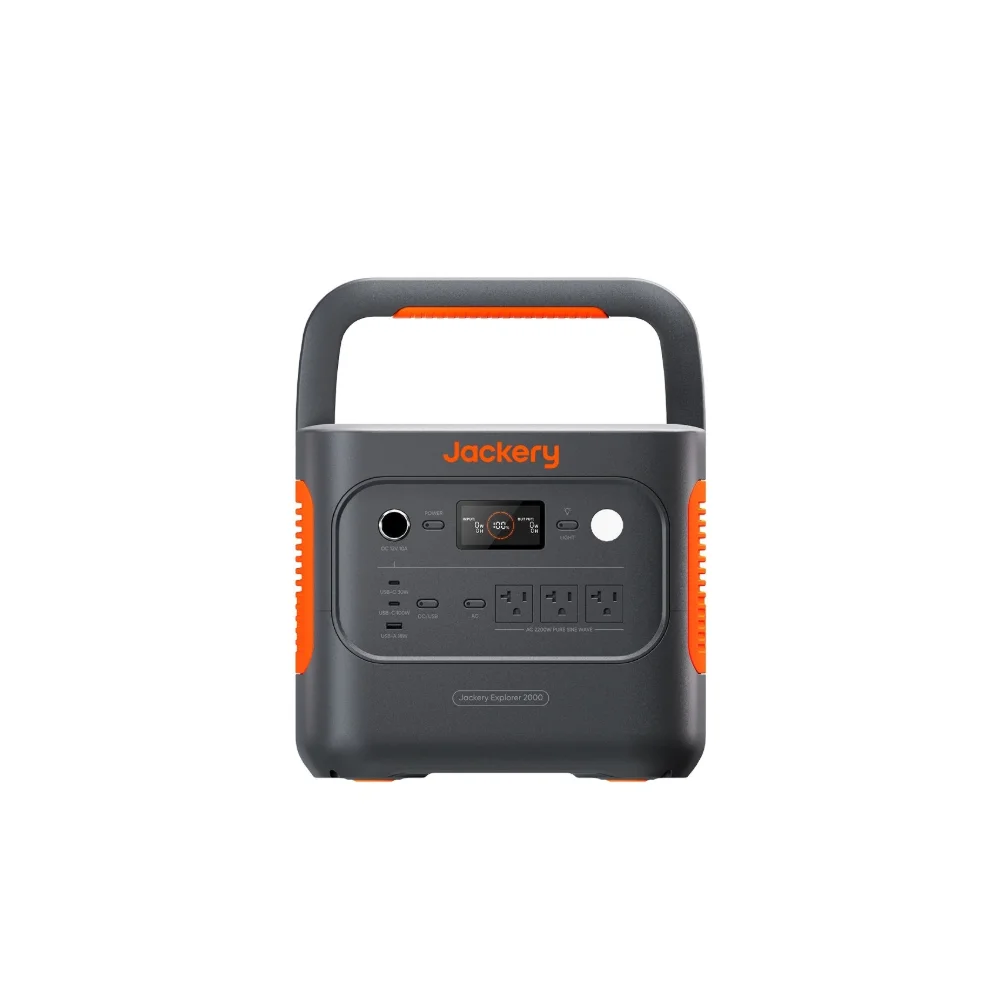
A portable power station’s total wattage rating and its USB-C PD output rating are two different numbers, and only the second one tells you what a laptop will actually experience. The EcoFlow TRAIL 200DC, for example, offers a 140W USB-C output — enough to fast-charge a high-power laptop directly over USB-C without needing its separate AC brick at all, which is a meaningfully different experience from a station whose USB-C port caps out at 65 or 100W. When comparing power stations for laptop use, check that specific port rating rather than assuming a high total wattage number automatically means high USB-C output — the two aren’t always the same, since many units split their AC and USB-C capacity across separate limits.
Cables matter too, and they’re the part people forget
A 140W-rated charger and a compatible laptop still won’t hit 140W over a cable that isn’t rated for it. Cables capable of carrying EPR-level power (above 100W) need to support 5A and are typically marked with an “e-marker” chip inside the connector — look for cables explicitly labeled for 140W or 240W USB-C PD rather than assuming any USB-C cable will do. A basic USB-C cable that came with a phone is very likely capped around 60W and will silently bottleneck a higher-wattage charger and laptop pairing, with no warning beyond slower-than-expected charging.
Frequently asked questions
Will a 140W charger damage a device that only needs 65W?
No. USB PD negotiates the actual wattage delivered based on what the connected device requests, so a 140W-capable charger simply supplies less power to a 65W device rather than forcing extra wattage into it.
Do I need a 140W charger for a MacBook Pro?
It depends on the model. Higher-end 16-inch MacBook Pro configurations support up to 140W fast charging, but they’ll still charge, just more slowly under heavy use, on a 100W or even 65W charger. Smaller MacBook Pro and MacBook Air models don’t use the higher wattage at all.
How do I know if my cable can handle 140W?
Check the cable’s packaging or printed spec for an explicit wattage rating, typically 100W, 140W, or 240W. Cables rated for higher EPR wattages contain an internal e-marker chip and are usually labeled clearly since manufacturers know this is a common point of confusion.
Is a higher-wattage USB-C port always better on a power station?
Better for laptop charging flexibility, yes, but not necessary if you’re primarily charging phones and small electronics, which never use anywhere near 140W. Match the port rating to what you actually plan to charge rather than defaulting to the highest number available.