
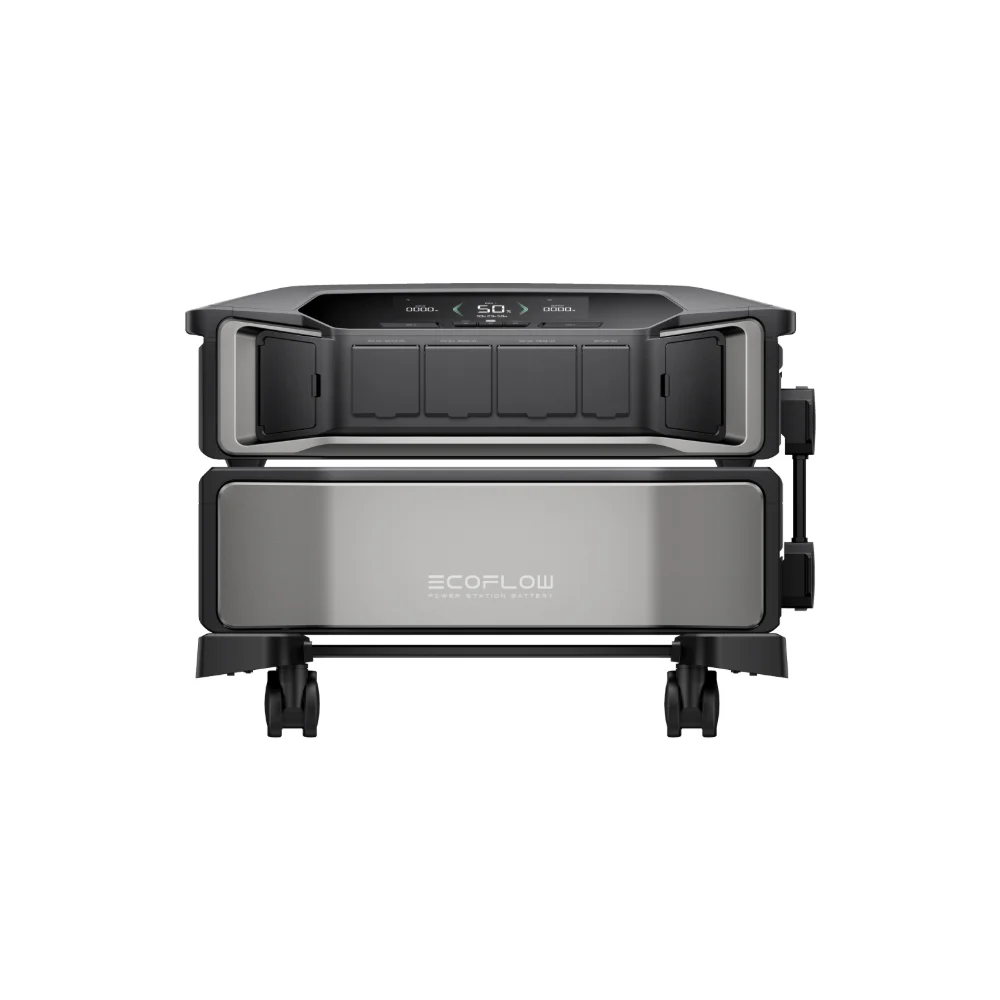

September is National Preparedness Month — a real, recurring observance that utilities, insurers, and backup power companies (including Generac and EcoFlow themselves) use every year to remind people to check their emergency plans before something forces them to. Rather than a generic “buy an emergency kit” checklist, here’s a 7-day plan focused specifically on backup power, since that’s the piece most households actually get wrong.
This article may include affiliate links — if you buy through them we may earn a small commission at no extra cost to you, but our recommendations are based on our own independent research.
Why September, Specifically
National Preparedness Month lands right as Atlantic hurricane season approaches its climatological peak in early-to-mid September, and it also sits at the seasonal hinge between summer storms and the start of winter storm planning. It’s a genuinely useful annual checkpoint, not just a marketing hook — most people’s emergency plans quietly go stale over a year, and batteries, cables, and assumptions about what you can actually run all need a refresh.
The 7-Day Power Backup Checklist
Day 1: Audit What You’d Actually Need to Run
Walk your home and list what absolutely needs power during an outage — refrigerator, medical equipment, a few lights, phone/laptop charging, Wi-Fi router. Write down the wattage for each (check the appliance label or manual) rather than guessing; this is the single most common mistake people make when sizing backup power.
Day 2: Test Your Current Power Station or Generator
If you already own a power station, charge it fully and run it under an actual load for at least 20-30 minutes. Batteries lose capacity over time, and the only way to know your unit still performs as expected is to test it before you need it, not during an outage.
Day 3: Check Your Cables, Adapters, and Connectors
Confirm you have the right cables for your specific appliances — a power station is useless if you’re missing the one adapter you need at 2 a.m. during a storm. Replace anything frayed or missing.
Day 4: Review Your Solar Recharge Plan (If You Have Panels)
If your setup includes solar panels, inspect them for dirt, cracks, or loose connectors, and confirm you know how to fold out and angle them quickly. A recharge plan you can’t execute under stress isn’t a real plan.
Day 5: Rank Your Loads and Plan a Rotation
Decide, in advance, what runs first if your battery is limited: refrigeration and medical devices first, then communication and lighting, then everything else. Having this decided ahead of time avoids bad decisions made in the moment.
Day 6: Check for Gaps in Capacity
Compare your total critical-load wattage against your power station’s actual rated output and capacity. If there’s a gap, this is the week to close it — not after the first storm watch of the season.
Day 7: Write the Plan Down and Share It
This step takes five minutes and prevents one of the most common failure modes with backup plans: one person understands the setup perfectly, and everyone else is left guessing during the actual emergency. Put the whole plan — what runs, in what order, for how long, and how to recharge — somewhere every adult in the household can find it without you. The best backup power setup in the world doesn’t help if only one person knows how to use it.
If Day 6 Reveals a Gap
If your audit shows you’re under-provisioned, a mid-size power station in the 1,000-2,000Wh range covers most single-household critical-load lists comfortably. The Jackery Explorer 1000 v2 (1,070Wh, 1,500W output, 0-100% charge in about an hour) is a reasonable, currently-available option in that range, starting at $549. Check current price on Jackery →
A Few Things Worth Double-Checking Beyond the Checklist
Two details trip people up more than they’d expect. First, battery self-discharge: even a power station sitting unused will slowly lose charge over weeks and months, so “I charged it last spring” doesn’t mean it’s ready now — that’s exactly why Day 2 matters. Second, firmware and app updates: many modern power stations have companion apps that occasionally need updates to keep monitoring and safety features working correctly, and it’s much easier to handle that during a calm September afternoon than during an actual storm watch when Wi-Fi might already be unreliable.
It’s also worth checking your plan against the specific hazards common in your region rather than a generic list. Coastal households should weight solar recharge planning heavily, since outages can run long and grid restoration can take days. Inland households dealing more with severe thunderstorms and short outages might prioritize fast-charging capability instead, since the outage window is usually shorter but can repeat multiple times in a season.
My Take
Nothing about this checklist requires a big purchase or a full weekend — most of it is an hour or two spread across a week. I like that National Preparedness Month exists as a forcing function, because emergency plans really do decay — batteries self-discharge, cables go missing, appliances get swapped out. Treating it as an annual seven-day tune-up rather than a one-time purchase is, in practice, the difference between a backup plan that actually works and one that just sits in a closet.
Frequently Asked Questions
Is National Preparedness Month an official observance?
Yes, it’s a recognized annual September observance that utilities, insurers, and emergency management organizations use to promote preparedness planning.
How often should I test my power station?
At least once a season, ideally under an actual load rather than just checking the charge percentage, since a full charge doesn’t guarantee full usable capacity.
What’s the most common backup power mistake?
Underestimating actual wattage needs — people frequently guess low on refrigerator and medical equipment draw, which leads to an underpowered setup when it matters most.