
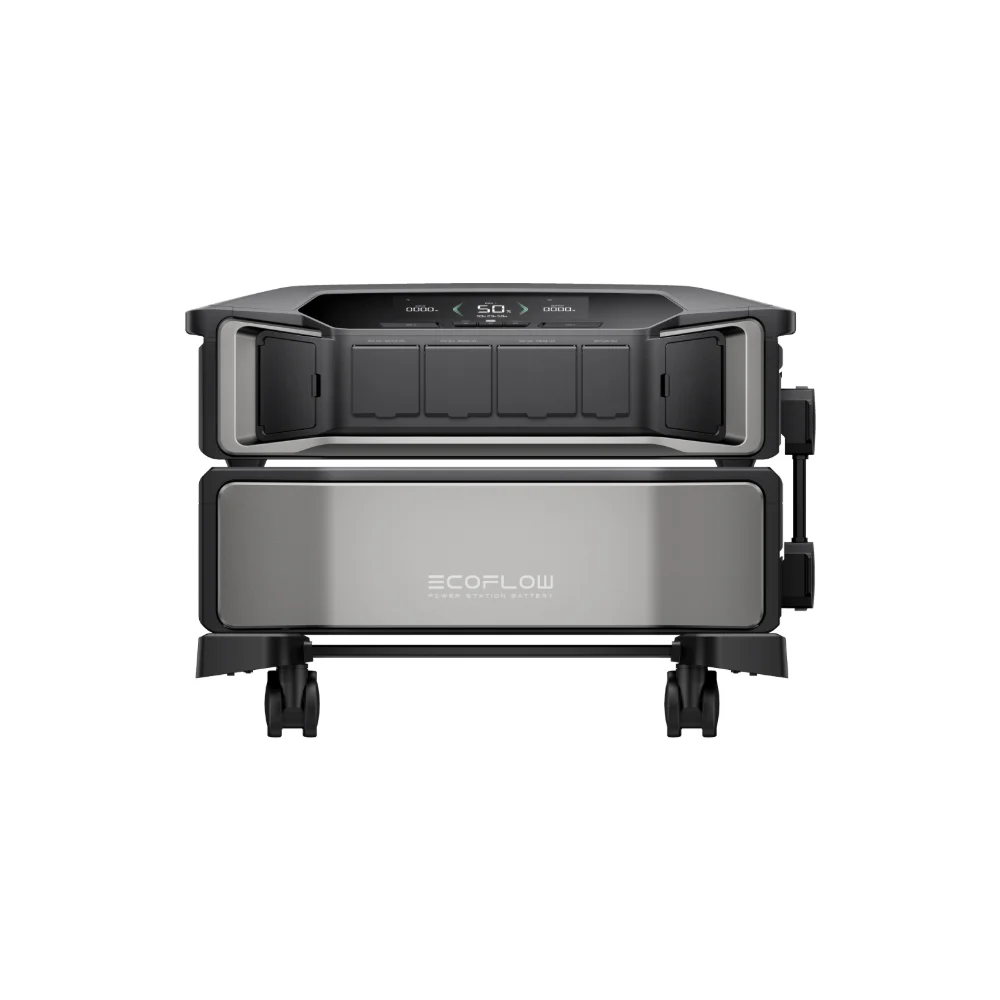

Late August is exactly the wrong time to discover your backup power station won’t hold a charge. If you already own one for hurricane season, this is your reminder that power station maintenance hurricane season prep is just as important as owning the unit in the first place — a power station that’s been sitting untouched since last storm season isn’t automatically ready to perform when you need it most. Here’s a practical rundown of what to actually check.
This article may include affiliate links — if you buy through them we may earn a small commission at no extra cost to you, but our recommendations are based on our own independent research.
Do a Full Charge-and-Discharge Test Now, Not During the Storm
The single most useful thing you can do before hurricane season peaks is a real-world test run, not just checking that the display turns on. Fully charge the unit, then run it against actual loads you’d rely on during an outage — a fridge, some lights, a fan, whatever your real plan looks like — and confirm it performs the way you expect. This is how you catch a degraded battery, a failing charge circuit, or a fan that’s grinding, while you still have time to address it, rather than during an actual blackout when it’s too late to do anything but be disappointed.
Check the Firmware
Most modern power stations get periodic firmware updates via their companion app, and these sometimes include real fixes for charging behavior, safety thresholds, or app connectivity — not just cosmetic changes. Open your unit’s app, check for a pending update, and install it well before you might actually need the unit, since you don’t want to be troubleshooting an update process in the middle of storm prep.
Storage Charge Level Matters More Than People Think
If your power station has been sitting since last season, check what state of charge it’s currently at. Most manufacturers recommend storing lithium batteries, including LiFePO4 packs, at somewhere around 50-70% charge for long-term storage rather than fully charged or fully depleted — leaving a battery at 100% or 0% for extended periods can accelerate long-term capacity loss. If you’re topping it off ahead of hurricane season, that’s exactly the right move, but if you’re putting it back into storage afterward, don’t just leave it sitting at full.
Inspect Cables, Ports, and Vents
- Charging cables and adapters — check for fraying, bent pins, or a loose connection at either end, since a marginal cable is a common point of failure that’s easy to overlook.
- Cooling vents — dust buildup from a season in storage can restrict airflow and cause a unit to run hotter and throttle output under real load.
- Solar input port — if solar recharging is part of your hurricane plan, test the actual panel and cable together now, not for the first time when the grid’s already down.
Confirm Your Runtime Math Is Still Accurate
If you bought your power station a few years ago, its usable capacity has likely degraded somewhat from when it was new — that’s normal LiFePO4 aging, not a defect, but it does mean your original runtime estimates may be a little optimistic today. Redo your rough math against your actual current loads: fridge, phone charging, a fan, maybe a CPAP machine, and compare that against what the unit can realistically deliver now. If you’re unsure how to weigh cycle count against real-world capacity loss, our guide on LiFePO4 cycle life explains what those numbers actually mean in practice.
Build (or Refresh) Your Load-Shedding Plan
A power station’s capacity is finite, so knowing what to power first — and what to skip — matters as much as the hardware itself. If you haven’t looked at your outage priority list since last year, or don’t have one at all, it’s worth putting together before storm season is actively bearing down on you rather than improvising under pressure — our guide on what to prioritize when the power goes out walks through building one from scratch.
Coordinating This Checklist With Your Broader Prep Plan
This maintenance checklist is deliberately focused on the power station itself, but it’s one piece of a larger storm-readiness picture. If you haven’t looked at your broader emergency supplies — water, food, medications, a way to charge phones if the power station itself somehow fails — in a while, pairing this hardware check with a full readiness review makes sense while you’re already in prep mode. Our 7-day power backup checklist covers that broader picture if you want a single reference to work through alongside this one.
It’s also worth checking in on generator lead times if a generator is part of your backup plan alongside (or instead of) a power station — supply and installation wait times for standby and portable generators have stretched noticeably heading into recent storm seasons, and that’s not something you want to discover for the first time after a storm has already knocked your power out. Our piece on generator wait times heading into hurricane season covers what’s driving those delays and how far ahead to plan.
What a Failed Test Actually Tells You
Running the charge-and-discharge test and finding a problem is a far better outcome than discovering it mid-outage, but it’s worth knowing what different failure symptoms actually mean. A unit that charges normally but shows noticeably reduced runtime compared to its rated capacity is likely showing ordinary battery aging — not necessarily a reason to replace it outright, but a reason to recalculate your realistic runtime expectations downward. A unit that won’t hold a charge at all, or that shuts down unexpectedly under a light load, points to a more serious problem worth addressing before the season starts, whether that’s a manufacturer support inquiry or planning a replacement. A unit that simply won’t power on is the most urgent case — don’t assume a dead battery will somehow revive itself when you actually need it, and don’t wait until the week a storm is forecast to find out you need a replacement, since lead times on popular models can stretch during active storm seasons when demand spikes regionally.
Frequently Asked Questions
How often should I test my backup power station?
A full charge-and-discharge test once or twice a year — ideally right before hurricane season and again midway through if you’re in a high-risk area — is a reasonable cadence for most households.
Does leaving a power station plugged in all the time hurt the battery?
Most modern units have built-in charge management that prevents overcharging damage, but check your specific manufacturer’s guidance on long-term “topped off” storage versus their recommended storage charge percentage, since practices vary somewhat by brand.
My power station is a few years old — should I just replace it before this season?
Not necessarily. Run the charge-and-discharge test first and compare real performance against your actual needs. A unit that’s lost some capacity to normal aging may still be perfectly adequate depending on what you’re trying to power.
What’s the ideal charge level to store a power station at between hurricane seasons?
A mid-range charge, roughly 40-60%, is generally better for long-term battery health than storing at 100%, with a check-in every one to three months to top off as needed. See our full guide on storing a power station long-term for the complete storage picture beyond just charge level.
Should I test my power station under the actual appliances I plan to run during an outage?
Yes, this is more informative than a generic discharge test — plugging in your actual fridge, medical device, or other priority item for an hour confirms real compatibility and gives you an accurate runtime estimate, rather than relying on rated specs that assume ideal conditions.
What if I don’t have time to do a full test before a storm is already approaching?
At minimum, confirm the unit powers on, charges normally, and holds a charge overnight — a quick check is far better than none, even if it’s not the full test outlined above. Prioritize the full checklist for next season’s prep window instead of skipping it entirely.