
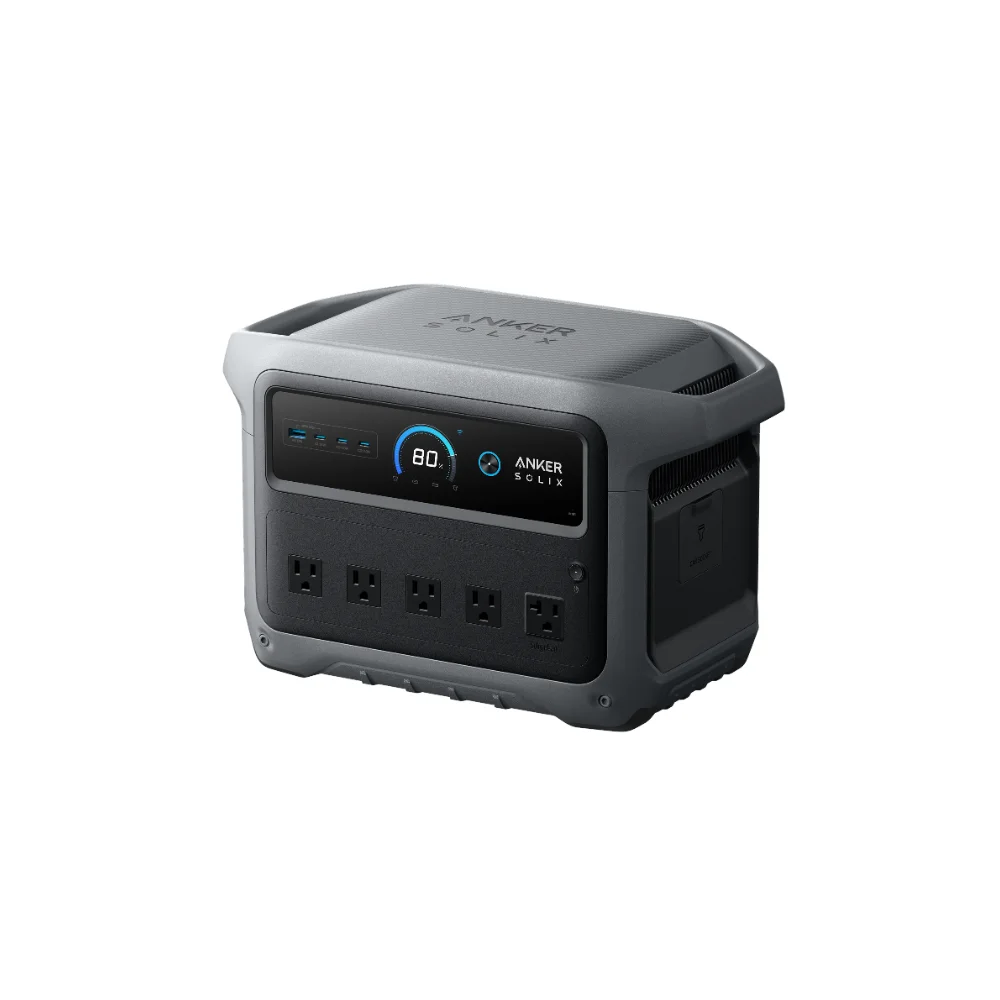

Looking for a power station home office UPS setup that does not just sit idle? A dedicated UPS (uninterruptible power supply) has always felt like a strange purchase for a home office — you buy a box whose only job is to sit there and, hopefully, never do anything. A portable power station solves the same problem while actually being useful the other 364 days a year: camping, an outdoor event, or a regular power outage. Here’s how to think about picking one specifically for home office UPS duty.
This article may include affiliate links — if you buy through them we may earn a small commission at no extra cost to you, but our recommendations are based on our own independent research.
What You Actually Need From a Home Office UPS
For most home office setups, the load is smaller than people expect: a desktop or laptop, a monitor or two, a Wi-Fi router, and maybe a small lamp. That’s usually well under 300W combined, even with a couple of monitors running. The two specs that matter far more than raw capacity are switchover speed and idle power draw, because a home office UPS spends the overwhelming majority of its life just sitting there, plugged in, waiting.
Why Switchover Speed Matters
When the grid drops, a power station in UPS or pass-through mode switches to battery automatically, but there’s a small gap while it does. Modern units advertise switchover times around 10 milliseconds, which is fast enough that most desktops and monitors won’t even blink. Older or cheaper units can be slower, which risks a reboot or a dropped video call at exactly the wrong moment — this is one spec worth actually checking rather than assuming.
Why Idle Draw Matters More Than You’d Think
This is the part most buyers overlook. If a power station is going to live plugged in 24/7 as a standby UPS, its idle power consumption determines how much passive drain it adds to your electric bill and how much heat it generates sitting under your desk. Anker’s recent published data on its S Series claims idle draw as low as sub-6W with its OptiSave 2.0 system, versus older designs that can idle much higher. Over a full year of being plugged in constantly, that difference is genuinely noticeable, both in electricity cost and in how warm the unit runs.
A Reasonable Pick for This Use Case
The Anker SOLIX S2000 (2,010Wh, 1,500W output, sub-6W idle draw) is a sensible fit for home office UPS duty specifically because it was designed around this low-idle-draw use case rather than just raw camping capacity. It’s currently discounted from $1,199.99 to $649.99. Check current price on Outbound Power →
Sizing It Correctly
Sizing matters more for how long you’re protected than for whether the unit works at all. Add up the actual wattage of your desktop or laptop charger, monitor(s), router, and any desk lamp — most home office setups land between 100-300W total. A 1,000-2,000Wh unit at that load gives you several hours of runtime per charge, which is plenty for the vast majority of outages, which resolve in well under an hour. If you’re running a full desktop gaming rig with multiple large monitors, size up accordingly and check peak wattage during startup, not just steady-state draw.
Placement and Setup Tips
Because this unit is going to live under or near your desk full-time rather than getting packed away, a few practical details matter more than they would for occasional use: keep it somewhere with airflow rather than jammed into a closed cabinet, since even a low-idle-draw unit generates some heat over 24/7 operation; run a real network cable or make sure your router/modem are both plugged into the backup, since Wi-Fi dying mid-outage while your laptop stays charged defeats the purpose; and label the outlets on the unit itself if you have multiple devices plugged in, so you’re not guessing which port powers what during an actual outage.
It’s also worth testing the setup with a real, if brief, planned outage rather than waiting for the real thing. Unplug the wall connection for a minute while everything is running and confirm your monitor doesn’t flicker, your desktop doesn’t reboot, and your router stays connected. This takes five minutes and tells you far more than reading a switchover-time spec on a product page.
My Take
None of this requires a big budget or a complicated setup — most of what makes a good home-office UPS is choosing the right spec to prioritize, then spending five minutes confirming it actually works. I like this use case because it turns a UPS from a single-purpose insurance policy into a genuinely dual-purpose device. A traditional UPS is dead weight until the one day you need it; a power station doing the same job can also go camping with you next weekend. The efficiency-at-idle story matters more here than in almost any other use case for this category, since it’s the one job where the device spends nearly all its time doing “nothing” — and nothing, it turns out, isn’t actually free.
Frequently Asked Questions
Can any portable power station work as a UPS?
Most modern ones have a pass-through or UPS mode, but switchover speed varies, so it’s worth checking that spec specifically rather than assuming every unit performs the same.
How much does idle draw actually cost over a year?
It depends on your local electricity rate and the specific idle wattage, but the difference between a low-idle-draw unit and a high one can add up to a meaningfully higher annual cost when a device is plugged in 24/7.
What size power station do I need for a home office?
Most single-desk setups draw 100-300W total, so a 1,000-2,000Wh unit provides several hours of runtime per charge, which covers the vast majority of outages.