
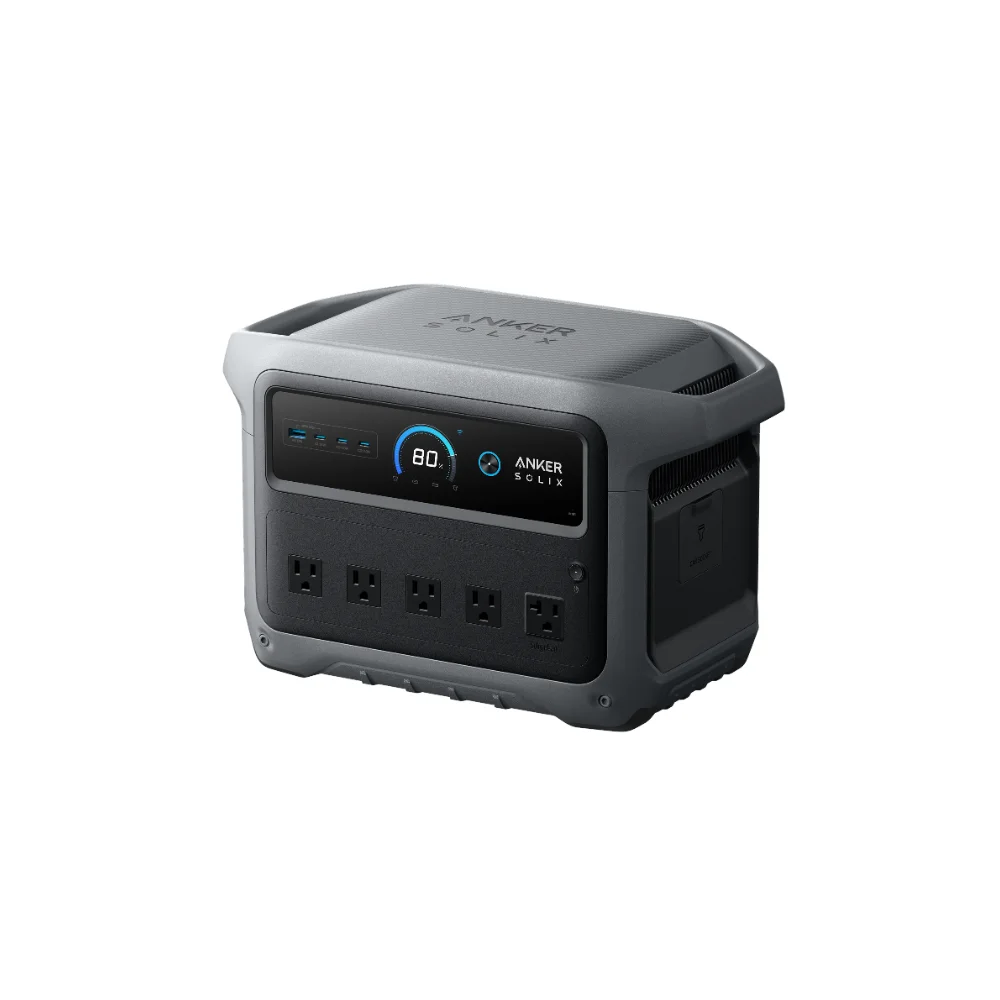

With move-in season right around the corner, I’ve been getting a specific version of the usual power station question: is a power station for college dorm use actually a good idea, or is it overkill for a space where you’ve already got wall outlets everywhere? The honest answer is that it’s a smaller, different use case than home backup or camping, and most of the big, expensive units we usually cover are the wrong tool for it. Here’s what actually makes sense for a dorm room.
This article may include affiliate links — if you buy through them we may earn a small commission at no extra cost to you, but our recommendations are based on our own independent research.
Check Your School’s Rules Before You Buy Anything
This is the step people skip and shouldn’t. Most colleges have explicit housing policies about what electrical devices are allowed in dorm rooms, and many restrict or outright ban anything resembling a “generator,” including some battery power stations, out of fire-safety concerns — even though a modern LiFePO4 power station is a fundamentally different (and much safer) technology than a gas generator. Check your specific school’s residence life handbook or contact housing directly before buying, because policies vary a lot by institution and this isn’t something worth guessing about.
Why Smaller Is the Right Answer Here
Unlike a home-backup or camping scenario, a dorm room already has grid power available essentially all the time. The actual use cases for a power station in this setting are narrower: brief power blips during storms, a backup for finals week when you can’t afford a laptop dying mid-paper, or simply consolidating charging for a phone, laptop, small fan, and desk lamp without hunting for an open outlet in a shared room. None of that requires a 2,000Wh home-backup unit — it calls for something compact, quiet, and easy to tuck under a bed or desk.
This is a case where a small unit like the EcoFlow RIVER 3 Plus is a genuinely good fit rather than underpowered. It’s rated at 286Wh capacity with 600W output, weighs about 10.4 lbs, and its UPS switchover is rated under 10 milliseconds — fast enough that a laptop typically won’t even notice a brief outage while it’s plugged in through the unit. That combination of small footprint, real portability, and fast switchover matters more in a dorm room than raw capacity does.
The EcoFlow RIVER 3 Plus is not currently available through our affiliate partners. We will update this link if that changes.
What to Actually Look For
- Compact size and low weight. You’re moving in and out of a dorm at least twice a year, often carrying it up stairs — a 12-25 lb range is far more livable than a 40+ lb home-backup unit.
- A UPS or pass-through charging mode. This lets the unit sit plugged into the wall, topping itself off, while still protecting your laptop from brief outages the moment grid power blips.
- Quiet operation. You’re sharing a small room, sometimes with a roommate — a unit with aggressive, noisy cooling fans is a real quality-of-life problem in that setting in a way it isn’t in a garage or basement.
- Enough ports for your actual devices, not necessarily enough continuous wattage to run a space heater or mini-fridge simultaneously — check your dorm’s specific appliance rules for those anyway.
What You Probably Don’t Need
Skip anything marketed around solar generator kits, expansion batteries, or multi-kilowatt home-backup capacity — none of that solves a dorm-room problem, and you’ll pay a real premium for capacity you won’t use in this setting. If you find yourself drawn to a bigger unit because “more is always better,” it’s worth pausing and reconsidering what you’re actually trying to solve for.
What Dorm Housing Policies Commonly Restrict
While every school writes its own rules, a few patterns show up repeatedly across housing policies: most explicitly ban anything with an internal combustion engine or open flame (ruling out fuel-based generators entirely), many cap battery capacity or explicitly reference UL certification requirements, and a good number restrict devices with heating elements (space heaters, hot plates) separately from power stations themselves. A lithium power station without a fuel source or open flame usually falls outside the restricted categories, but “usually” isn’t the same as “definitely for your school” — the check-your-policy advice at the top of this guide isn’t boilerplate, it’s the actual first step.
Setting Up a Charging Routine That Actually Works
The most common mistake with a dorm power station isn’t buying the wrong unit — it’s treating it like a one-time purchase instead of building a habit around it. Keep it charged to a reasonable level (topping off overnight once a week or so is plenty for most students) rather than letting it sit forgotten until the one night you actually need it during a study-session power blip or a fire-alarm evacuation where you grab your laptop on the way out. Designate one spot for it — a desk shelf or the corner of a closet — so it’s not buried under laundry when you need it. And label any cables that live with it, since dorm rooms accumulate a tangle of near-identical charging cords fast.
Power Station vs. Just Buying More Chargers and a Power Strip
It’s a fair question: why spend $150-250 on a power station when a surge-protected power strip and a couple of extra USB chargers cost a fraction of that? The honest answer is that a power strip solves a different problem — it adds outlets, but it does nothing when the outlet itself loses power, whether that’s a building-wide outage, a tripped breaker from too many mini-fridges and space heaters on one circuit, or a fire-alarm evacuation that cuts power to your room. A power station is specifically insurance against that gap, plus the convenience of being able to charge devices anywhere in the room (or building) without hunting for a free outlet. If your dorm’s outlets are genuinely scarce or your circuit trips regularly, that convenience alone often justifies the cost even before considering the backup angle. If you’re deciding between a compact unit like this and a slightly larger but still portable option, our review of the EcoFlow RIVER 3 Plus covers a similarly sized unit that fits the same dorm-friendly footprint.
Frequently Asked Questions
Are power stations allowed in college dorms?
It depends entirely on your specific school’s housing policy — some explicitly allow small battery power stations while restricting anything resembling a fuel-based generator, others have broader restrictions. Always check directly with your housing office rather than assuming.
Do I need a power station if my dorm rarely loses power?
Probably not as an emergency backup, but many students find one useful simply as a compact charging hub with extra outlets and USB ports in a room that never seems to have enough of either.
Can a small power station like this charge a laptop and phone at the same time?
Yes — a 286Wh-class unit with multiple ports handles a laptop and a phone (and often more) simultaneously without issue; it’s well within the wattage most everyday electronics require.
Will my school’s RA or housing office flag a power station during a room inspection?
Generally no, since a compact lithium power station reads as a large battery pack rather than anything resembling a generator or open-flame device, but bringing your school’s specific written policy with you (a screenshot or printout) avoids any confusion during move-in inspection.
Can I bring a power station on a flight if I’m flying to school?
Most airlines allow lithium battery power stations in carry-on luggage up to a capacity limit (commonly 100Wh without special approval, higher with airline permission up to 160Wh), but capacity above that is often restricted or requires advance airline approval — check your specific airline’s battery policy before flying with one, and never pack it in checked luggage.
Should I get one with a flashlight or lantern feature built in?
It’s a nice-to-have rather than a must-have for a dorm setting specifically, but it does add genuine value during a building-wide outage or fire-alarm evacuation at night, and it typically doesn’t add meaningfully to the price on compact units in this category.