
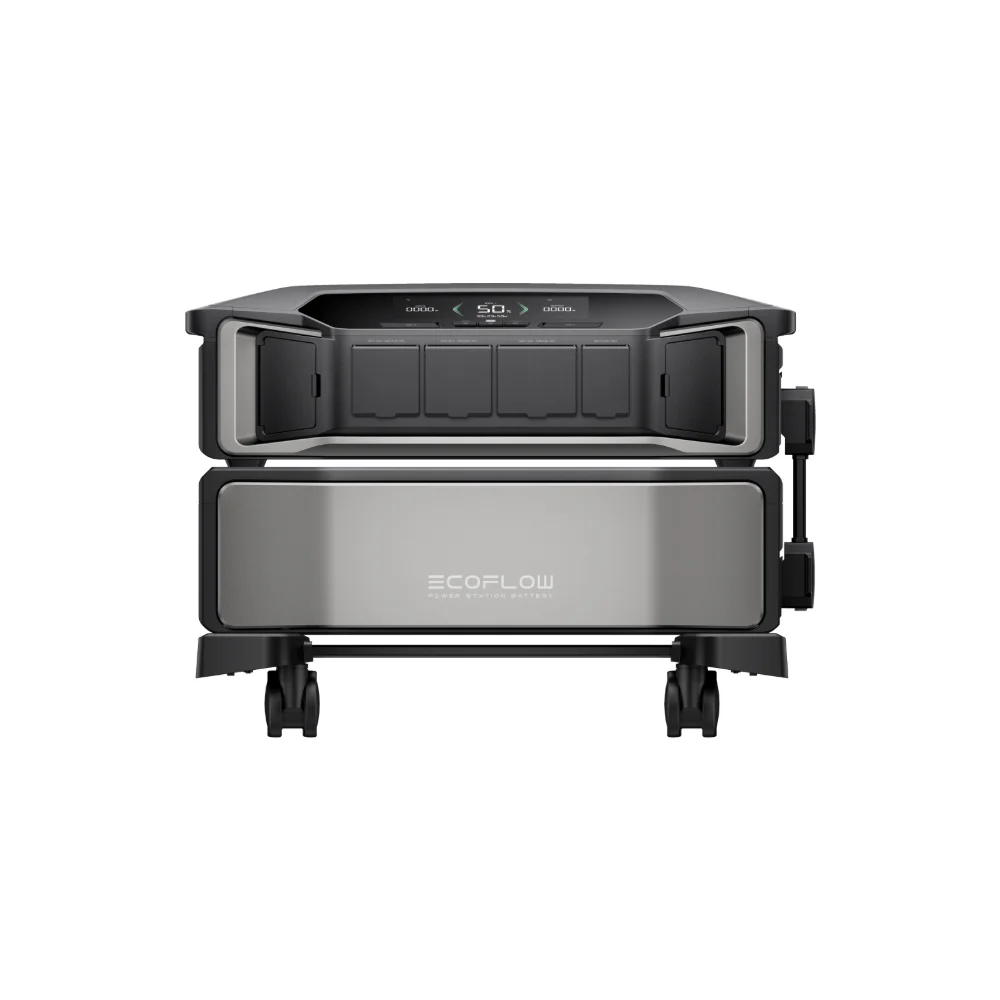

A tree comes down on a transmission line two counties over, and suddenly your afternoon client call, your quarterly report, and your kid’s homework portal are all offline at once. If you work from home even part of the time, a power outage isn’t just an inconvenience — it’s lost income, a missed deadline, or an awkward email explaining why you disappeared mid-meeting. The good news is that a home office is one of the cheapest, easiest things to keep running through a blackout. Unlike a refrigerator or a well pump, your desk setup draws very little power. You don’t need a whole-home generator to stay online for a full workday — you need a power station sized correctly for a laptop, a monitor, and a router, and a clear plan for the one thing that’s actually hard to keep alive: your internet connection.
What actually needs to stay powered
Before shopping for a power station, it helps to separate what you truly need from what would just be nice to have. A working remote setup during an outage usually comes down to four things: a computer, a way to see your work, a way to get online, and a way to stay reachable. Everything else — a second monitor, a desk lamp, a printer — is optional padding you can add if your battery has room.
- Laptop. Most laptops draw 45–65 watts under normal office use, though gaming or content-creation laptops can pull closer to 100–150 watts under load.
- External monitor. A single 24–27 inch monitor typically uses 25–40 watts; larger or brighter displays run higher.
- Router and modem. A combo unit usually draws 15–30 watts continuously — small, but it never gets to sleep.
- Phone charging. Budget 10–20 watts if you’re topping off a phone while you work.
- Desktop tower, if you use one. This is the outlier — a desktop PC can draw anywhere from 150 to 400+ watts depending on the components, which changes your math considerably.
Doing the math on a workday
Add up a laptop-based setup — laptop, one monitor, a router, and occasional phone charging — and you land somewhere around 100–150 watts of continuous draw. Over an eight-hour workday, that’s roughly 800–1,200 watt-hours. That number is your real target, and it’s well within reach of a mid-size portable power station rather than anything resembling whole-home backup.
A unit like the Anker SOLIX C1000 Gen 2, with 1,024Wh of capacity and a 2,000W inverter, comfortably covers a full workday of laptop-plus-monitor-plus-router use with margin left over, and its 2,000W output means it won’t blink at a desktop tower or a laser printer warming up either. If you run a desktop workstation, dual monitors, or want two full days of runtime without recharging, stepping up to something like the Anker SOLIX S2000 at just over 2,000Wh gives you that headroom, and it recharges quickly from a wall outlet once power is back so it’s ready for the next outage.
The internet is the hard part
Keeping your laptop charged is easy. Keeping your internet connection alive is the part people underestimate. Your home router and modem are trivial to power — 15 to 30 watts is nothing for any power station on the market — but the connection itself depends on infrastructure you don’t control. If your internet comes in over cable or fiber, the neighborhood node or optical network terminal (ONT) that serves your house also needs power, and many ISPs don’t run battery backup on that equipment the way they used to be required to for landline phone service. Ask your provider directly whether your specific connection type (cable, fiber, DSL, fixed wireless) has any battery backup upstream of your house, because if it doesn’t, keeping your own router powered won’t help once the outage reaches the street-level equipment.
If your ISP’s infrastructure does stay up, plugging your modem and router into the power station keeps your home network alive even though the rest of the house is dark. If it doesn’t, your fallback is your phone’s cellular hotspot — worth testing once, in advance, so you know your laptop can actually tether to it before you’re relying on it mid-deadline.
Avoiding the reboot problem
One detail worth understanding: most portable power stations aren’t true uninterruptible power supplies (UPS). If you’re already plugged into a power station when an outage hits, there’s no interruption at all — you just keep working. But if you’re plugged into the wall and the power station is sitting off to the side, switching over means a brief gap while you unplug from one and plug into the other. For a laptop running on its own internal battery, that gap is invisible. For a router, modem, or desktop tower with no battery of its own, even a one-second gap can force a reboot. Some newer power stations include a UPS or “EPS” mode with a sub-20-millisecond switchover for exactly this reason — worth checking the spec sheet if router uptime matters to you, or simply keep sensitive gear plugged into the power station full-time as a habit rather than an emergency measure.
Frequently asked questions
Can a power station run my desktop computer and monitor all day?
Yes, for most desktop setups. A gaming or workstation-class PC pulling 300 watts with a monitor will use roughly 2,400–2,800Wh over an eight-hour day, so a 2,000Wh-class unit gets you most of the way and a slightly larger one covers it fully. Check your PC’s actual draw with a plug-in watt meter if you want precision rather than an estimate.
Will a power station protect my computer from a power surge?
Most power stations aren’t marketed as surge protectors in the way a dedicated UPS is, though their inverters do isolate connected devices from raw grid fluctuations while running on battery. If surge protection specifically is a concern — for example, during storm season when lightning-related surges are more common — keep a dedicated surge protector or UPS in the chain as well, or check whether your specific power station model lists surge protection in its spec sheet.
How long can I expect a mid-size power station to last on standby before I actually need it?
LiFePO4 power stations, which is what most current home-backup units use, self-discharge very slowly — typically losing only a small percentage of charge per month when idle. Most manufacturers still recommend topping off the battery every three to six months if it’s sitting unused, so it’s fully charged when an outage actually happens rather than assuming it’s ready after a year in the closet.