
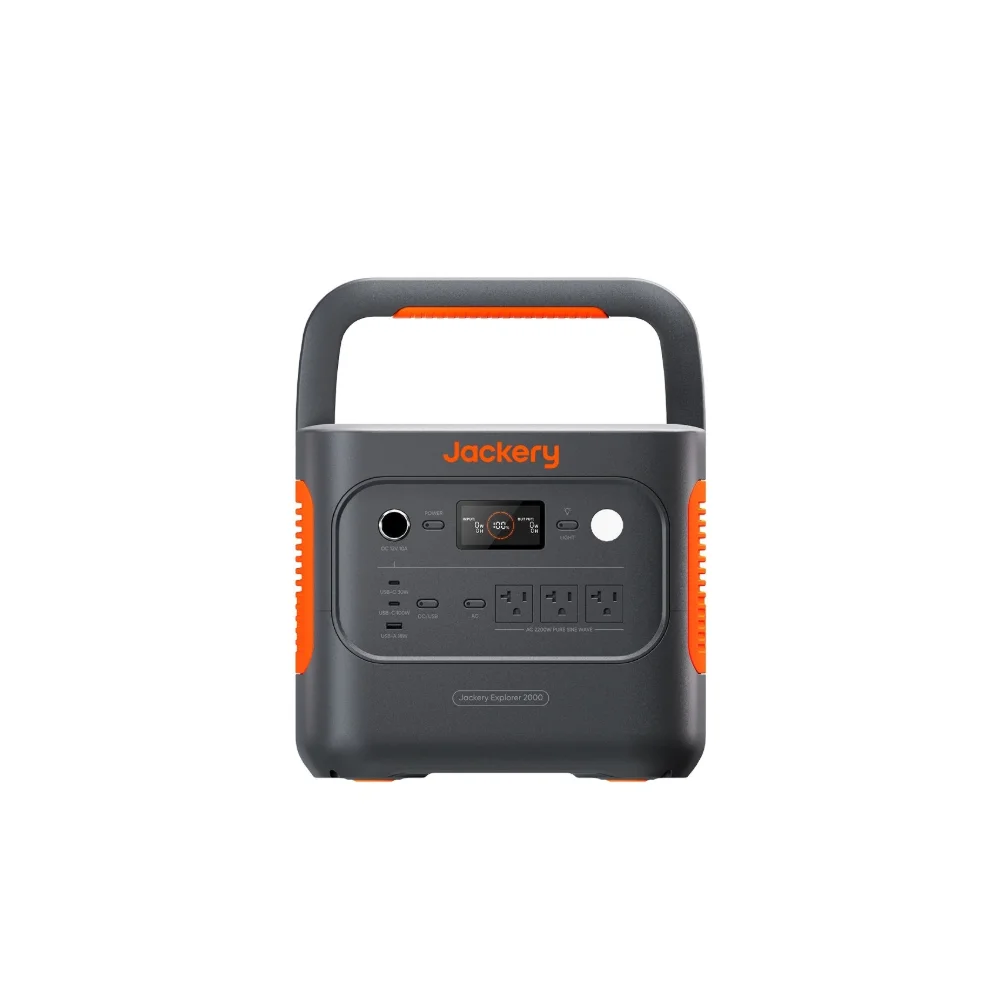

The power goes out, and within seconds your security cameras go dark, your Wi-Fi router drops, and the smart doorbell that was supposed to be watching your porch is now just a brick. For most households that’s an inconvenience. For anyone relying on cameras for actual home security, or working from home and needing internet to stay reachable, it’s a real gap — and it’s one of the easiest gaps to close with a portable power station, because the load involved is tiny compared to what most people picture when they think “backup power.” You don’t need a whole-house generator to keep a modem, router, and a few cameras running for a day or more. You need to know exactly how little they draw, and size accordingly.
Networking gear draws almost nothing — that’s the good news
This is one of the most power-efficient use cases for a home battery, because routers, modems, and cameras are all designed to sip power continuously rather than draw it in bursts.
- Cable or fiber modem. 5–12 watts continuous, running around the clock.
- Wi-Fi router or mesh node. 6–15 watts each; a three-node mesh system can add up to 30–40 watts total.
- Wired PoE security camera. 5–8 watts per camera, plus the PoE switch or NVR powering them, which typically draws 15–30 watts on top.
- Wi-Fi battery or plug-in camera. Under 5 watts while idle and streaming standby footage, spiking briefly during active recording or two-way audio.
Put a modem, one router, and two PoE cameras with an NVR together, and you’re looking at roughly 40–60 watts continuous — under a tenth of what a space heater or hair dryer pulls.
Doing the runtime math
Runtime in hours is roughly the station’s watt-hour capacity divided by your total continuous wattage, minus about 10–15% for inverter conversion loss. At 50 watts continuous, a 512Wh unit like the EcoFlow RIVER 2 Max gets you close to eight hours of runtime powering a modem, router, and a couple of cameras — enough to ride out most storm-related outages. If you’re running a full home network with an NVR, several PoE cameras, and want real overnight coverage without babysitting it, a larger 1000Wh-plus unit like the Anker SOLIX C1000 Gen 2 stretches that same 50–60 watt load to roughly 15–18 hours, and its much higher AC output means you could add a lamp or charge other devices off the same unit without worrying about overloading it.
Automatic switchover matters more than raw capacity
Capacity is only useful if the station actually kicks in when the power drops. Some portable power stations include a UPS (uninterruptible power supply) mode, switching from wall power to battery power within roughly 10–20 milliseconds when an outage hits — fast enough that networking gear and most electronics never notice the gap and don’t reboot. Not every station offers this, and it’s usually a setting you have to enable rather than a default behavior, so check the manual and turn it on before you need it, not during a storm. Without UPS mode, you’d need to notice the outage and manually plug your gear into the station, which defeats the purpose if the outage happens overnight or while you’re away.
Where to plug in and what to prioritize
If your budget or capacity is limited, prioritize the modem and router over everything else — without internet, cloud-connected cameras can’t upload footage or send alerts anyway, so keeping connectivity alive is what actually protects you. For camera systems with local NVR storage, the priority flips slightly: the NVR and cameras matter even without internet, since local recording still captures footage even if you can’t view it remotely until power returns. Either way, plug networking gear directly into the station’s AC outlets rather than through a separate power strip when possible, since every extra connection point is one more place for a loose plug to cause a dropout.
Frequently asked questions
How long can a power station run my router and cameras during an outage?
For a typical modem, router, and two cameras drawing around 40–60 watts total, expect roughly 8 hours from a 500Wh station and 15 or more hours from a 1000Wh-plus station, factoring in normal inverter losses.
Does my power station need UPS mode for this to work automatically?
UPS mode isn’t required to power your gear, but without it you have to manually switch your devices to battery power when the outage starts. If you want cameras and Wi-Fi to stay up through an outage you don’t notice right away, look for a station with UPS mode and enable it in advance.
Can I run my whole home network off one station, or do I need separate units for cameras and Wi-Fi?
One adequately sized station can handle a modem, router, and several cameras simultaneously, since the combined load is usually well under 100 watts. A single 1000Wh-class station gives enough AC outlets and headroom to run the whole setup rather than splitting it across two units.
Will solar keep the station charged if the outage lasts more than a day?
Yes, if you have a compatible solar panel — a 200–600W panel input, which the larger stations in this category support, can fully recharge the unit in a matter of hours on a sunny day, letting you cycle through the outage indefinitely as long as there’s daylight.